
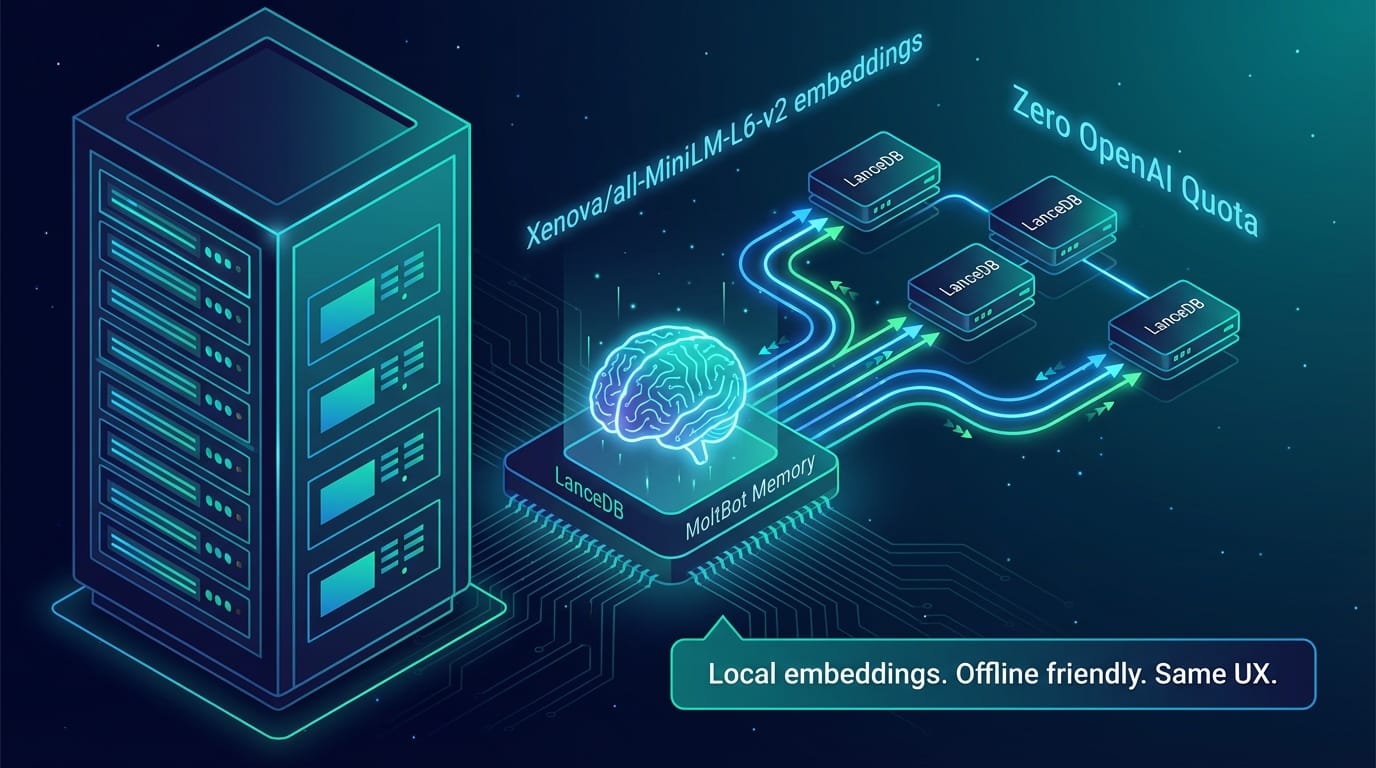
Swapping MoltBot’s Memory to LanceDB With Local Embeddings (No OpenAI Quota Needed)
“The future is already here — it’s just not evenly distributed.” — William Gibson
TL;DR
- Swapped MoltBot’s memory embeddings from OpenAI to local
Xenova/all-MiniLM-L6-v2via LanceDB. - Updated the LanceDB plugin to support a local provider; installed
@xenova/transformersglobally. - Config now points the memory plugin to the local model; gateway restarted to load it.
- Result:
memory_store/memory_recallwork without OpenAI spend or quota errors; same UX.
I hit the classic “429 quota exceeded” wall on MoltBot memory recall. Here’s how I reworked the memory stack to use LanceDB with on-device embeddings, so long‑term memory keeps working even when OpenAI credits run dry.
The Problem
- MoltBot’s LanceDB memory plugin defaults to OpenAI embeddings.
- An expired/overused OpenAI key caused every
memory_recallto fail (HTTP 429), and auto-capture stopped too. - I wanted: zero API spend, offline-friendly, same memory UX.
The Plan
- Add a local embedding backend the plugin can use.
- Switch MoltBot’s config to that backend.
- Avoid Hugging Face auth issues by using the Xenova mirror.
- Restart the gateway so the new memory stack boots cleanly.
Changes Applied
1) Extend the LanceDB plugin to support local embeddings
- Added a provider switch (
openai|local). - Wired
@xenova/transformersfor local, quantized embeddings. - Supported model:
Xenova/all-MiniLM-L6-v2(384 dims, small and fast). - Kept OpenAI path intact for anyone who still wants it.
Key files modified
extensions/memory-lancedb/index.ts— lazy-loads local pipeline, mean-pools embeddings.extensions/memory-lancedb/config.ts— validates provider/model; adds Xenova default; updated UI hints.extensions/memory-lancedb/clawdbot.plugin.json— schema now allows provider and the Xenova model.extensions/memory-lancedb/package.json— new dependency@xenova/transformers.
2) Install the local embedding runtime
npm -g i @xenova/transformers- Runs fully in Node, no GPU or Python needed.
3) Point MoltBot to the local model
"plugins": {
  "slots": { "memory": "memory-lancedb" },
  "entries": {
    "memory-lancedb": {
      "enabled": true,
      "config": {
        "embedding": { "provider": "local", "model": "Xenova/all-MiniLM-L6-v2" },
        "autoCapture": true,
        "autoRecall": true
      }
    }
  }
}
4) Restart the gateway
clawdbot gateway restart- Log confirms: memory-lancedb initialized with
~/.clawdbot/memory/lancedb, modelXenova/all-MiniLM-L6-v2.
Why This Works
- LanceDB stays the vector store; only the embedding generator changed.
- Xenova models are JS-hosted mirrors; downloads don’t hit Hugging Face auth.
- After the first download, embeddings are cached locally—no external calls.
Usage Notes
- Commands:
memory_store,memory_recall,memory_forgetcontinue to work; auto-capture/recall remain on. - If you later want OpenAI again, flip provider back to
openaiand add a valid key; restart the gateway. - Model choice: MiniLM is a good speed/quality tradeoff. Swap to a higher-dim Xenova model if you want higher fidelity; update the model name and vectorDimsForModel accordingly.
What’s Next
- Add a small
ltm statsCLI surface so operators can see memory counts without logs. - Pre-warm the Xenova cache in CI/bootstrap scripts to avoid first-request latency on fresh machines.
- Optional: add a fallback chain (local first, OpenAI second) with circuit-breaking if a provider fails.
This setup keeps MoltBot’s “brain” online even when external quotas aren’t. No tokens burned, memory still sticks.